Network device management keeps IT infrastructure efficient, secure, and reliable. The methods have changed as networks have grown. This guide covers the move from traditional device management to the more dynamic Cisco DNA Center enabled device management.
Introduction
Traditional network device management is often labor-intensive and prone to human error. Cisco DNA Center changes this by giving you a centralized platform to manage all your network devices from one place. Adopting it can improve security and scalability, and give you clearer insight into how your network is performing.
Traditional Device Management
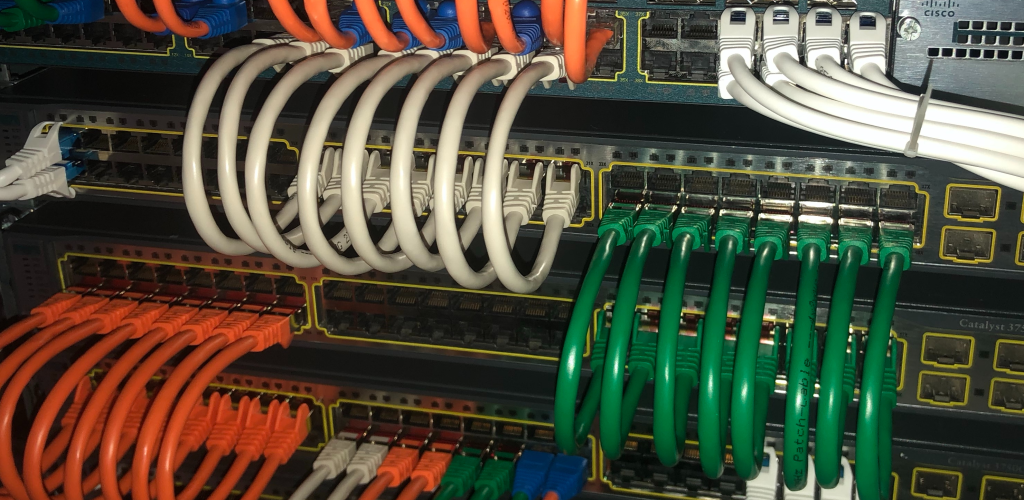
The traditional approach to device management usually involves manual configurations and individually managing devices through Command-Line Interface (CLI). This approach can be time-consuming and doesn’t scale well in larger networks.
Limitations and Challenges
- Potential for human error
- Difficulty in managing large-scale networks
- Lack of centralized control and visibility
- Time-consuming troubleshooting
Cisco DNA Center Enabled Device Management
Cisco DNA Center provides a unified management dashboard with advanced capabilities like automation, assurance, and security analytics.
Key Features and Capabilities
- Simplified management from a single dashboard
- Automated processes for configuration and deployment
- Real-time analytics for network monitoring and troubleshooting
- Security policy enforcement and compliance
Comparison of Both Methods
Traditional device management has its merits in smaller setups but often falls short in efficiency and scalability compared to Cisco DNA Center.
Advantages of Cisco DNA Center Enabled Device Management
- Increased efficiency through automation
- Enhanced network visibility
- Proactive troubleshooting with predictive analytics
- Simplified compliance and security policy application
Steps to Transition
Transitioning to Cisco DNA Center involves several stages:
Preparing for the Transition
- Assessing the Current Network Infrastructure
Perform an audit of your existing network infrastructure to identify all devices and configurations.
- Identifying Potential Challenges
Determine compatibility of current devices with Cisco DNA Center, and plan for any necessary hardware updates or replacements.
Implementing Cisco DNA Center
- Installation and Setup Process
Install Cisco DNA Center according to Cisco’s specifications and integrate it within the network.
- Configuring Network Devices
Use the Cisco DNA Center dashboard to configure and manage network devices.
Migrating Devices and Configurations
- Strategies for a Seamless Migration
Develop a migration strategy that minimizes downtime, perhaps by transitioning devices in phases.
- Best Practices for Data Transfer
Back up all configurations before migration. Ensure that you understand the new configuration models used in Cisco DNA Center.
Testing and Fine-tuning
- Verifying Connectivity and Functionality
After migrating, verify that all devices are correctly connected and functioning as expected within Cisco DNA Center.
- Troubleshooting Common Issues
Test for common post-migration issues and use Cisco DNA Center’s tools to troubleshoot and resolve them.
Managing and Optimizing with Cisco DNA Center
- Using Automation and Analytics
Take advantage of Cisco DNA Center’s automation for routine tasks, and use its analytics for insights and optimization.
- Streamlining Device Management Processes
Use Cisco DNA Center to continuously monitor, manage, and optimize device performance and security.
What the transition gives you
Moving to Cisco DNA Center for device management saves time, reduces errors, and offers deeper insight into network operations. Those gains hold up as networks grow, which is where manual, device-by-device management tends to break down. If you are running a network large enough that CLI management has become a burden, it is worth mapping out a transition plan.
Like any significant technology change, the transition takes careful planning and execution. What you get with Cisco DNA Center is a more agile way of managing devices, one that keeps paying off in day-to-day operations once it is in place.

Senior Network Engineer | CCNP Enterprise | CCIE Candidate
Trave Hurd is a senior network engineer with over a decade of experience designing and managing enterprise Cisco environments. Holding multiple Cisco and industry certifications, he writes about the full arc of a networking career, from passing your first exam to building the skills that get you to the top of the field.