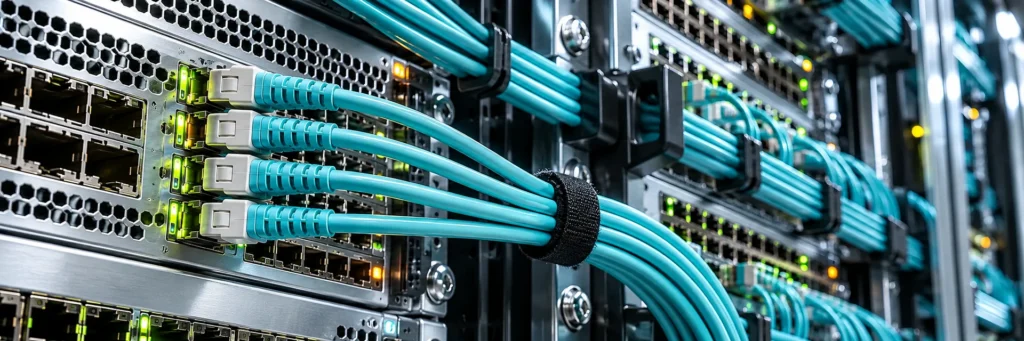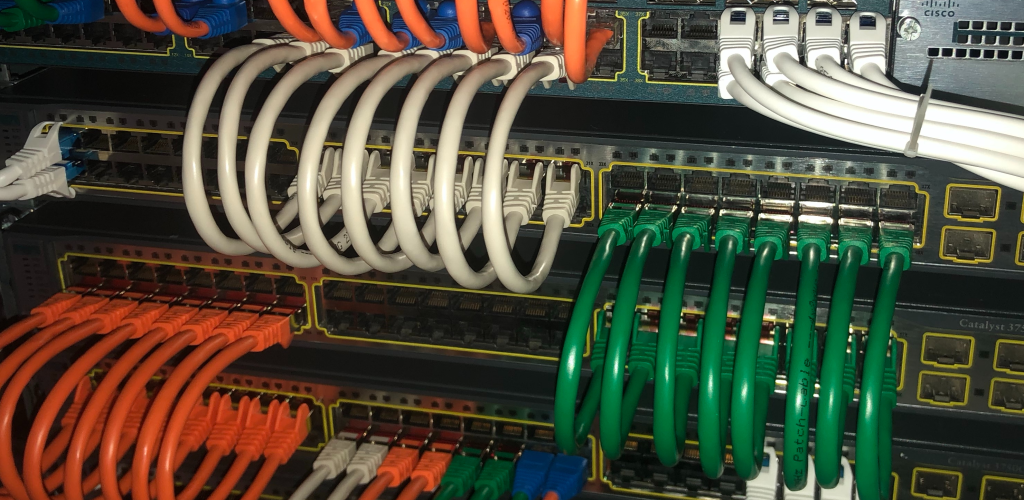
A few years back, I got called into a manufacturing plant where their newly installed 10-gig links were throwing CRC errors every few hours. The vendor had spec’d the right switches, the right optics, the right everything. Except the cabling. Someone had run Cat5e for a 10GBASE-T deployment across 80-meter horizontal runs, and the crosstalk was destroying throughput. The fix wasn’t a firmware update or a TAC case. It was ripping out cable and starting over. Cost them six figures and two weeks of downtime.
Cabling is the least glamorous part of networking and the most expensive to fix when you get it wrong. Whether you’re studying for your CCNA or designing a campus network, understanding cable types isn’t optional. It’s foundational.
Copper Twisted Pair Cables: Cat5e Through Cat8
Twisted pair copper is still the workhorse of enterprise LANs. The “twist” in each pair of conductors reduces electromagnetic interference, and the tighter the twist rate, the better the cable handles higher frequencies. That’s why not all Cat cables are created equal.
Cat5e supports Gigabit Ethernet (1000BASE-T) at up to 100 meters and operates at 100 MHz. It’s still everywhere in older buildings. For basic office connectivity, it works. But if anyone tries to tell you it’s fine for 10-gig, point them at my manufacturing plant story. Cat5e can technically carry 10GBASE-T, but only over very short distances (under 45 meters in ideal conditions), and “ideal conditions” don’t exist in ceiling plenums with bundled power runs.
Cat6 bumps the frequency to 250 MHz and was designed with 10 Gigabit Ethernet in mind, though it’s limited to 55 meters at that speed. For Gigabit, it’ll happily run the full 100 meters. The improvement comes from tighter twist rates and a longitudinal separator (the spline) that reduces crosstalk between pairs.
Cat6a is where 10GBASE-T gets reliable at the full 100-meter distance. It operates at 500 MHz and includes improved alien crosstalk (AXT) performance. If you’re building or refreshing a campus network today, Cat6a is the standard I recommend. The cable is thicker and harder to terminate, but it gives you headroom for the next decade. Cisco’s overview of Ethernet standards maps these speeds and distances clearly if you want a quick reference.
Cat7 exists in a bit of a no-man’s land. It supports 10 Gbps at 600 MHz and uses individually shielded pairs (S/FTP), but it was never adopted by TIA/EIA as a standard. You’ll see it in some European installations. Most North American deployments skip straight from Cat6a to Cat8 when they need more.
Cat8 is the newest addition, rated for 25GBASE-T and 40GBASE-T at frequencies up to 2000 MHz. The catch: it’s limited to 30-meter channel lengths, which makes it a data center play, not a horizontal cabling solution. Think top-of-rack switch to server connections where you want copper instead of fiber.
Shielded vs. Unshielded
You’ll see designations like UTP (Unshielded Twisted Pair), STP, FTP, S/FTP, and others. UTP dominates North American enterprise deployments because it’s cheaper and easier to terminate. Shielded variants matter in environments with heavy EMI: factory floors near variable-frequency drives, hospital imaging suites, or anywhere you’re running data cable parallel to high-voltage electrical. Shielded cable requires proper grounding at both ends or it actually makes interference worse. I’ve seen installers crimp shielded jacks onto grounded patch panels and leave the other end floating. That creates an antenna, not a shield.
Fiber Optic Cables: Single-Mode and Multimode
Fiber carries data as pulses of light through a glass or plastic core, which means it’s immune to electromagnetic interference and can cover distances that would make copper weep. There are two fundamental types, and the differences matter more than most junior engineers realize.
Multimode fiber (MMF) has a larger core diameter, typically 50 or 62.5 microns. The larger core allows multiple light paths (modes) to propagate simultaneously, which causes modal dispersion and limits distance. You’ll see it classified by OM ratings. OM3 supports 10 Gbps up to 300 meters using 850nm short-wavelength optics. OM4 extends that to 400 meters. OM5, the newest standard, is designed for wavelength-division multiplexing (SWDM) to support 40G and 100G over shorter distances. Multimode is your campus backbone and data center interconnect cable when distances stay under a few hundred meters.
Single-mode fiber (SMF) uses a much smaller core, around 9 microns, which allows only one mode of light to pass through. This eliminates modal dispersion and enables transmission over kilometers. OS1 is the indoor-rated variant; OS2 is designed for outdoor and longer-distance plant. When you’re connecting buildings across a campus, linking data centers across a metro area, or running WAN circuits, single-mode is the answer. The optics cost more than multimode transceivers, but the cable itself is comparable in price.
One thing that trips people up on the CCNA exam and in the field: you can’t mix single-mode optics with multimode fiber, or vice versa. The core sizes are physically incompatible. If someone patches a single-mode SFP into a multimode trunk, the link might come up at very short distances but will throw errors or fail entirely beyond a few meters. If you’re preparing for the 200-301, understanding how OSPF works at Layer 3 is important, but knowing what’s happening at Layer 1 is what keeps you from chasing phantom routing problems caused by bad physical links.
Connector Types
Fiber connectors have consolidated over the years. LC (Lucent Connector) is the dominant small form-factor connector for modern SFP and SFP+ transceivers. SC (Subscriber Connector) is larger and still common in older installations and some service provider demarcation points. ST (Straight Tip) connectors with their bayonet-style twist-lock show up in legacy multimode deployments. MPO/MTP connectors handle multi-fiber ribbon cables for 40G and 100G links, which is increasingly common in data center spine-leaf fabrics.
Coaxial Cable: Not Dead Yet
Coax feels like a relic in most enterprise conversations, but it’s still relevant in specific contexts. RG-6 coaxial is the backbone of cable broadband (DOCSIS 3.1 and 4.0) and carries the last-mile connection for millions of enterprise branch sites using cable ISPs. You’ll also find coax in legacy 10BASE2 and 10BASE5 Ethernet installations that somehow still exist in industrial environments. I ran into a 10BASE2 segment in a water treatment facility in 2019. It was controlling SCADA sensors. Nobody wanted to touch it because it worked, and the risk of disrupting operations outweighed the benefit of upgrading.
Twinaxial cable (twinax) is the coax variant that modern data center engineers actually care about. Direct Attach Copper (DAC) cables using twinax are a cost-effective alternative to fiber for short-distance connections (1 to 7 meters) between switches in the same rack or adjacent racks. A 10G SFP+ DAC cable costs a fraction of what an SFP+ transceiver plus fiber patch cord would run. For top-of-rack to spine connections in a leaf-spine architecture, DAC is everywhere.
How Cable Choices Affect Your Career
If you’re early in your career, you might wonder why cable knowledge matters when your day-to-day is configuring VLANs and troubleshooting Spanning Tree loops. The answer is that Layer 1 problems masquerade as everything else. I’ve seen engineers spend days troubleshooting what looked like an OSPF adjacency flap, only to discover a damaged fiber patch cord causing intermittent link drops. The ability to look at a network problem and think “let me check the physical layer first” separates experienced engineers from everyone else.
As you move into design roles, cable selection becomes a strategic decision with budget implications that reach into the hundreds of thousands. Choosing Cat6a over Cat6 for a new building costs more upfront but avoids a forklift upgrade when the organization moves to 10-gig access ports in three years. Choosing single-mode fiber for a campus backbone instead of multimode means those same strands can carry 100G or 400G in the future without re-cabling. These decisions show up in CCNP-level design thinking, and they’re the kind of thing that gets you invited into architecture meetings instead of just implementation calls.
Quick Reference: Common Cable Types and Their Limits
For study purposes and quick field reference, here’s how the most common cable types stack up. The TIA standards body maintains the official specifications, but these are the numbers you need to know.
| Cable Type | Max Speed | Max Distance | Typical Use |
|---|---|---|---|
| Cat5e | 1 Gbps | 100m | Legacy office LANs |
| Cat6 | 10 Gbps | 55m (10G) / 100m (1G) | Office LANs, access layer |
| Cat6a | 10 Gbps | 100m | Modern campus, Wi-Fi 6/6E APs |
| Cat8 | 25/40 Gbps | 30m | Data center server connections |
| OM3 Multimode | 10 Gbps | 300m | Campus backbone, data center |
| OM4 Multimode | 10 Gbps | 400m | Data center interconnects |
| OS2 Single-mode | 100+ Gbps | 10+ km | Inter-building, metro WAN |
| DAC Twinax | 10/25/100 Gbps | 1-7m | Intra-rack switch connections |
Get the physical layer right, and every protocol running above it has a fighting chance. Get it wrong, and you’ll be chasing ghosts through packet captures for weeks. I’ve learned that lesson more than once, and it never gets cheaper the second time around.

Senior Network Engineer | CCNP Enterprise | CCIE Candidate
Trave Hurd is a senior network engineer with over a decade of experience designing and managing enterprise Cisco environments. Holding multiple Cisco and industry certifications, he writes about the full arc of a networking career, from passing your first exam to building the skills that get you to the top of the field.