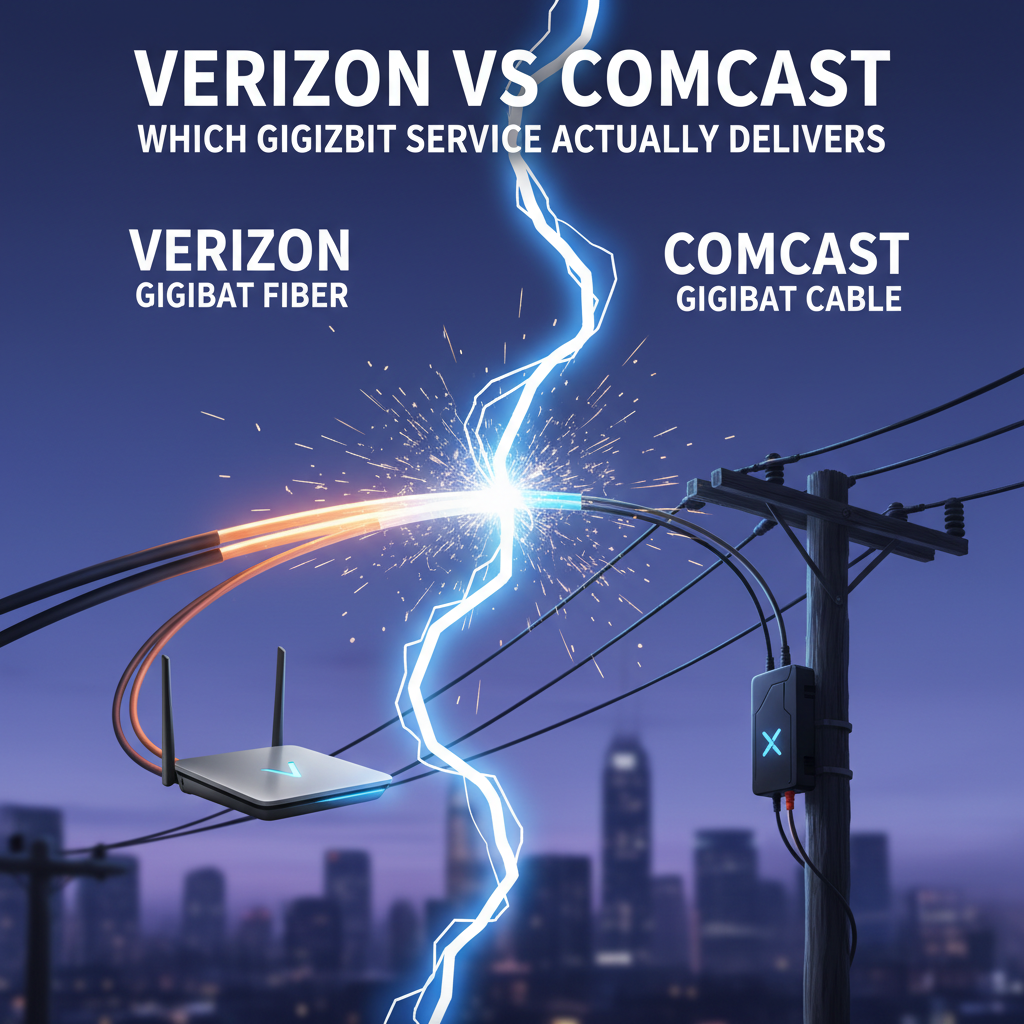
I’ve spent fifteen years troubleshooting enterprise networks, but the question I get most often from junior engineers has nothing to do with OSPF or BGP. It’s always the same: “What should I get for home internet?” Fair question. If you’re labbing for your CCNA or CCNP, your home connection is part of your lab setup, not just a way to stream Netflix. And the Verizon versus Comcast decision comes down to something most marketing materials conveniently skip: the underlying technology and what it means for your actual experience.
The Technology Gap: Fiber vs DOCSIS
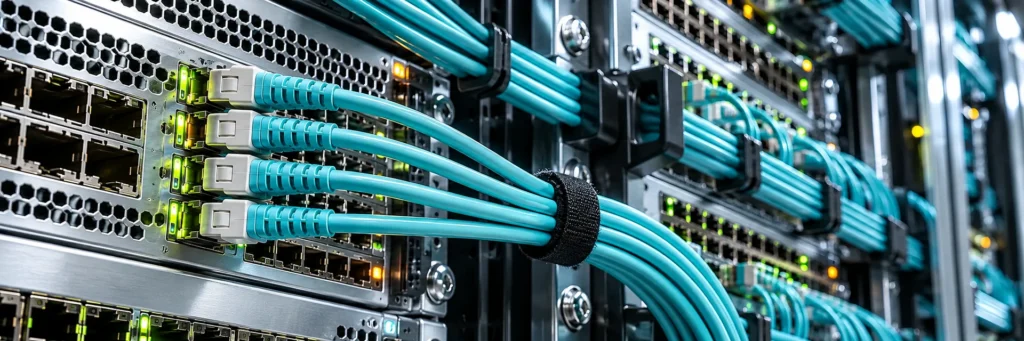
Verizon Fios runs fiber optic cable directly to your home. That’s a dedicated strand of glass carrying light pulses from the central office to your ONT. Comcast Xfinity, even at gigabit speeds, runs over hybrid fiber coaxial infrastructure using DOCSIS 3.1 technology. The fiber backbone terminates at a neighborhood node, then coaxial cable handles the last mile to your house. That architectural difference determines everything from latency to upload speeds to how your connection behaves at 7 PM when everyone on your block fires up their streaming services.
Fiber is symmetrical by design. Verizon’s gigabit plan delivers 940 Mbps down and 880 Mbps up. Comcast’s gigabit tier historically offered 1 Gbps down but capped uploads around 35 Mbps. They’ve since introduced faster upload options, but you’ll pay extra for them. If you’re pushing config backups to a cloud repository, running a home lab with remote access, or uploading packet captures for analysis, that upload asymmetry matters more than the download number.
Latency and Jitter: What the Speed Tests Don’t Show
Raw throughput is the easy metric. Latency is where fiber pulls ahead in ways that affect real work. Fios typically delivers ping times between 5 and 12 milliseconds to major internet exchanges. Comcast’s coax infrastructure adds overhead from the DOCSIS protocol stack, and you’ll see pings in the 15 to 30 millisecond range under normal conditions. During peak usage hours, that can spike higher as the shared node bandwidth gets congested.
For lab work over SSH or RDP sessions to cloud instances, that latency difference is noticeable. Jitter variance also tends to be tighter on fiber. If you’re running GNS3 or EVE-NG labs connected to external resources, or if you’re studying for certifications using remote lab environments, the consistency matters as much as the speed. A connection that bounces between 8 ms and 45 ms feels different than one that holds steady at 10 ms.
Pricing and Contract Reality
Verizon Fios gigabit runs around $90 per month without bundling, and they’ve moved away from contracts for most plans. Comcast’s pricing is more complicated. The advertised rate often requires a one or two year agreement, and the promotional pricing jumps significantly after the initial term. Equipment rental fees add another $15 to $25 monthly unless you supply your own modem and router.
With Fios, you can use your own router behind their ONT without issue. The ONT handles the optical to electrical conversion, and anything with an ethernet port works downstream. Comcast requires a DOCSIS 3.1 compatible modem for gigabit service, which limits your hardware options. The approved device list is worth checking before you buy third party equipment.
Availability: The Decision That Makes Itself
Here’s the reality that overrides everything else. Verizon Fios covers a limited geographic footprint, primarily the Northeast corridor and parts of Texas, Florida, and California. If you’re outside that footprint, the comparison is academic. Comcast Xfinity has broader national coverage but still has gaps, particularly in rural areas. Before you spend time comparing plans, check both availability tools with your actual address. Many people find they only have one real option anyway.
For those in areas where both services are available, the decision tilts toward Fios for anyone doing serious home lab work. The symmetrical speeds, lower latency, and simpler equipment situation make it the better infrastructure choice. Comcast works fine for general use and even moderate lab environments, but the shared bandwidth model and upload limitations create friction you won’t have with fiber.
What This Means for Network Engineers
If you’re studying for Cisco certifications and need reliable connectivity for remote labs, video training, and the occasional large ISO download, either service handles the basics. But if you’re building a proper home lab environment with remote access, running packet captures that need uploading, or simply want the connection that behaves more like the enterprise networks you’re learning to manage, fiber is the cleaner choice. The technology underneath the marketing number is what actually determines your experience. For those pursuing Cisco certifications, investing in solid home infrastructure pays off in lab time that doesn’t fight your connection.

Senior Network Engineer | CCNP Enterprise | CCIE Candidate
Trave Hurd is a senior network engineer with over a decade of experience designing and managing enterprise Cisco environments. Holding multiple Cisco and industry certifications, he writes about the full arc of a networking career, from passing your first exam to building the skills that get you to the top of the field.