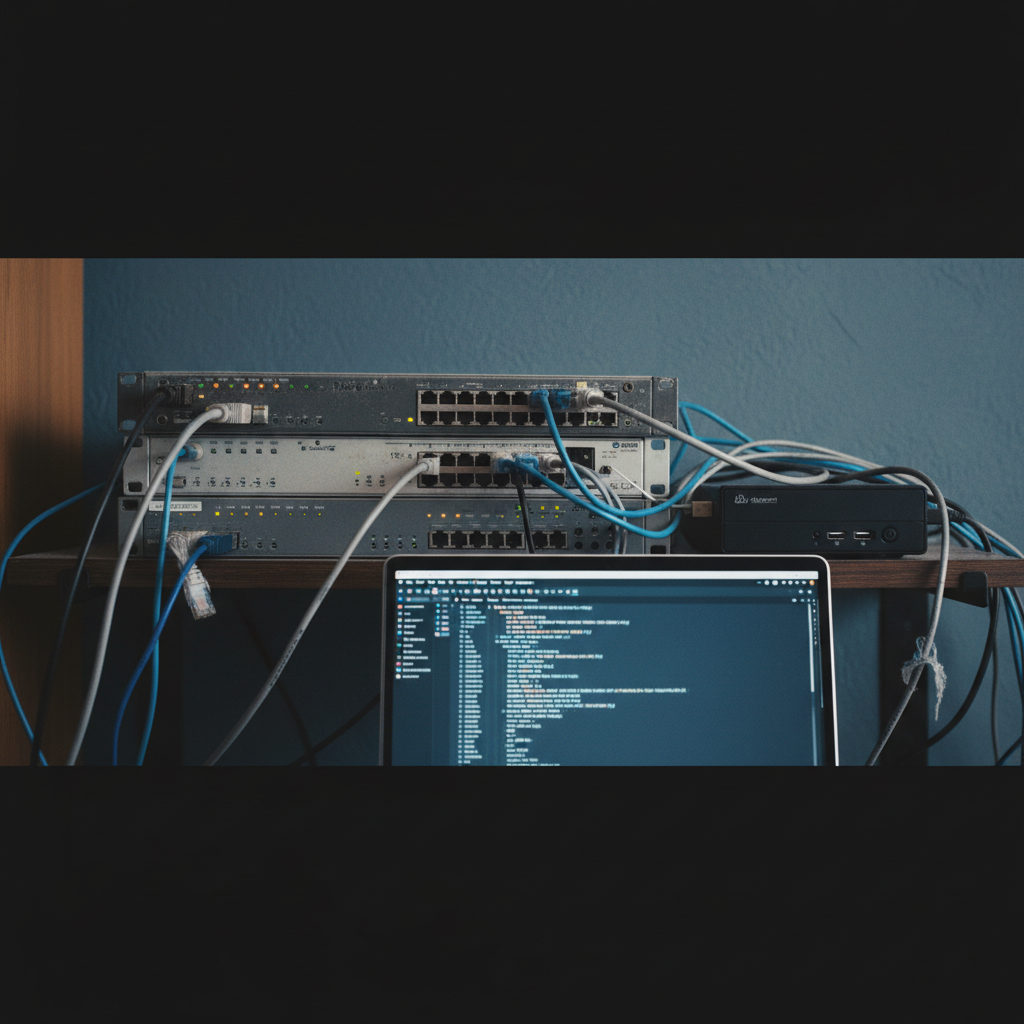
Ansible is an open source automation tool that connects to network devices over SSH and runs commands or pushes config from a text file called a playbook. It’s on the CCNA v2.0 exam, starting February 3, 2027, because Cisco moved it from “recognize what it does” in v1.1 to actually running commands with it in v2.0. Terraform, REST APIs, and JSON got cut from the blueprint in the same update. Ansible survived and got promoted.
I use Ansible at work mostly for boring things, which is exactly the point. Pulling show version from 80 switches before a maintenance window. Checking that every access port has the same port security settings. Here’s what it is, how it talks to Cisco gear, and what I’d expect the exam to ask.
What Is Ansible in Networking?
Ansible is a configuration management tool maintained by Red Hat. You write what you want done in YAML files, and Ansible logs into each device and does it. For network gear, it does that over plain SSH, the same way you would.
Three things make it different from the other tools the old blueprint lumped it with:
- It’s agentless. Nothing gets installed on the switch or router. If you can SSH to it, Ansible can manage it.
- It’s push based. You run Ansible from a control machine, and it reaches out to devices when you tell it to. Puppet and Chef traditionally pull, with an agent on the managed node checking in.
- Playbooks are YAML, which most people can read on day one even if they’ve never written code.
That agentless part is why Ansible fits networking so well. You can’t install an agent on most IOS devices anyway.
Why Did Cisco Add Ansible to the CCNA v2.0?
Because it’s what network teams actually use. Under v1.1, objective 6.6 asked you to recognize the capabilities of configuration management tools like Ansible and Terraform. That was a flashcard-level objective. v2.0 drops Terraform and REST APIs and keeps Ansible in the new operations domain alongside SNMP and syslog, with wording about running commands.
My read: Cisco is matching the exam to the first-year job. A junior admin is far more likely to be handed an Ansible playbook by a senior engineer than to write a REST call against a controller. You can see the full topic wording on the Cisco Learning Network v2.0 exam topics page.
Still, that domain is 10% of the exam and it shares space with AI and network management. Ansible is one slice of that slice. Learn it well enough to read a playbook and predict what it does. Don’t spend three weeks on it.
What Are the Parts of Ansible?
Four pieces cover almost everything you’ll see on the exam.
| Piece | What it is |
|---|---|
| Control node | The Linux machine (or WSL on Windows) where Ansible is installed and where you run it from |
| Inventory | A file listing the devices to manage, grouped however you want, plus connection variables |
| Playbook | A YAML file of plays and tasks that says what to do on which hosts |
| Module | The unit of work each task calls, like cisco.ios.ios_command or cisco.ios.ios_config |
Cisco IOS modules ship in the cisco.ios collection. If you install the full Ansible package, it’s usually already there. If you installed only ansible-core, you add it with ansible-galaxy collection install cisco.ios.
What Does an Ansible Inventory Look Like for Cisco Devices?
Here’s a small inventory in INI format with two switches and the variables Ansible needs to talk to IOS.
[access_switches]
sw1 ansible_host=10.10.99.11
sw2 ansible_host=10.10.99.12
[access_switches:vars]
ansible_connection=ansible.netcommon.network_cli
ansible_network_os=cisco.ios.ios
ansible_user=netadmin
ansible_password=changeme
ansible_become=yes
ansible_become_method=enable
The two lines people trip on are ansible_connection and ansible_network_os. Network devices don’t run Python, so Ansible uses the network_cli connection type to drive the CLI over SSH, and it needs to know the platform so it parses prompts correctly. The become lines get you into enable mode.
Plain text passwords in an inventory are fine for a home lab and a terrible idea anywhere else. In production you’d use Ansible Vault or prompt for credentials.
How Do You Run Show Commands With Ansible?
Use the ios_command module. This playbook pulls version and interface status from every switch in the group and prints the output.
---
- name: Collect switch info
  hosts: access_switches
  gather_facts: no
  tasks:
    - name: Run show commands
      cisco.ios.ios_command:
        commands:
          - show version
          - show ip interface brief
      register: output
    - name: Print results
      ansible.builtin.debug:
        var: output.stdout_lines
Run it with ansible-playbook -i inventory.ini collect.yml. Ansible logs into sw1 and sw2, runs both commands, stores the results in a variable called output, and prints them.
One detail worth knowing: ios_command doesn’t enter configuration mode. Per the official module documentation, it’s for exec-level commands only. If a question shows ios_command being used to set a VLAN, that’s the wrong module.
For a quick one-off, you can skip the playbook and run an ad hoc command instead:
ansible access_switches -i inventory.ini -m cisco.ios.ios_command -a "commands='show clock'"How Do You Push Configuration With Ansible?
Use ios_config. This task points every switch at the same NTP and syslog servers.
    - name: Set NTP and syslog servers
      cisco.ios.ios_config:
        lines:
          - ntp server 10.10.99.5
          - logging host 10.10.99.6
        save_when: modified
save_when: modified writes the running config to startup only if something changed. Run the playbook a second time and Ansible reports ok instead of changed, because the lines already exist. That behavior is called idempotency, and it’s the word most likely to show up on an exam question about Ansible. Running the same playbook ten times leaves the device in the same state as running it once.
What Ansible Questions Could Be on the CCNA?
Cisco hasn’t published sample questions for the v2.0 operations domain, so this is my best guess based on the topic wording:
- Reading a playbook and predicting what it does to the device
- Picking the right module for a task (command versus config)
- Knowing that Ansible is agentless and uses SSH for IOS
- Recognizing what an inventory file is for
- Reading playbook output and telling
ok,changed, andfailedapart
YAML indentation errors are another likely trap. YAML is whitespace sensitive, and a task indented two spaces off will either fail or attach to the wrong block. If an answer choice looks right but the indentation is off, it isn’t right.
How Do I Practice Ansible Without Real Cisco Gear?
You need a Linux environment and something that accepts SSH and speaks IOS. Packet Tracer won’t work here because Ansible needs to reach the device from a real operating system. CML, GNS3, or EVE-NG with an IOSv or CSR image will, and so will Cisco’s free DevNet sandboxes if you don’t want to run anything locally.
On Windows, install WSL with Ubuntu, then pip install ansible. That gets you a control node in about ten minutes. Point the inventory at a lab router, enable SSH on it, and run the show command playbook above. Once that works, try pushing a loopback interface with ios_config, then run it again to watch idempotency happen.
If you’re still building your lab, our home lab guide covers the emulator options. And if you’re worried about the programming side of the exam in general, the Python and JSON piece still applies to v1.1 candidates, since JSON is tested there until February 2, 2027.
Sitting v1.1 instead? Ansible is still on your exam, just at the recognize-the-capabilities level, next to Terraform. You don’t need to write a playbook. You do need to know it’s agentless, push based, and uses YAML.
For the connection settings in more depth, Red Hat keeps an IOS platform options page that explains network_cli, enable mode, and the common SSH errors. Bookmark it before your first lab. You’ll hit at least one of those errors.

Network Professional | CCNA Certified
Ashley Miller is a 35-year-old networking professional with a proven foundation in Cisco technologies. She is CCNA certified and currently advancing her expertise by working toward the Cisco Certified Network Professional (CCNP) certification. With a passion for designing and maintaining efficient, secure network infrastructures, Ashley brings both technical skill and real-world experience to every project.